Turn long reports, policy documents, and reference PDFs into cleaner notes you can scan quickly.
Professional workflow
ResearchWize for Professionals
Summarize dense reading, save the useful parts into projects, and turn them into briefs, presentations, and action-ready notes in one workspace.
Projects help keep the supporting material connected to the draft, slide deck, or summary you build from it.
The extension is useful for fast capture, but the web app is where the real work gets finished.
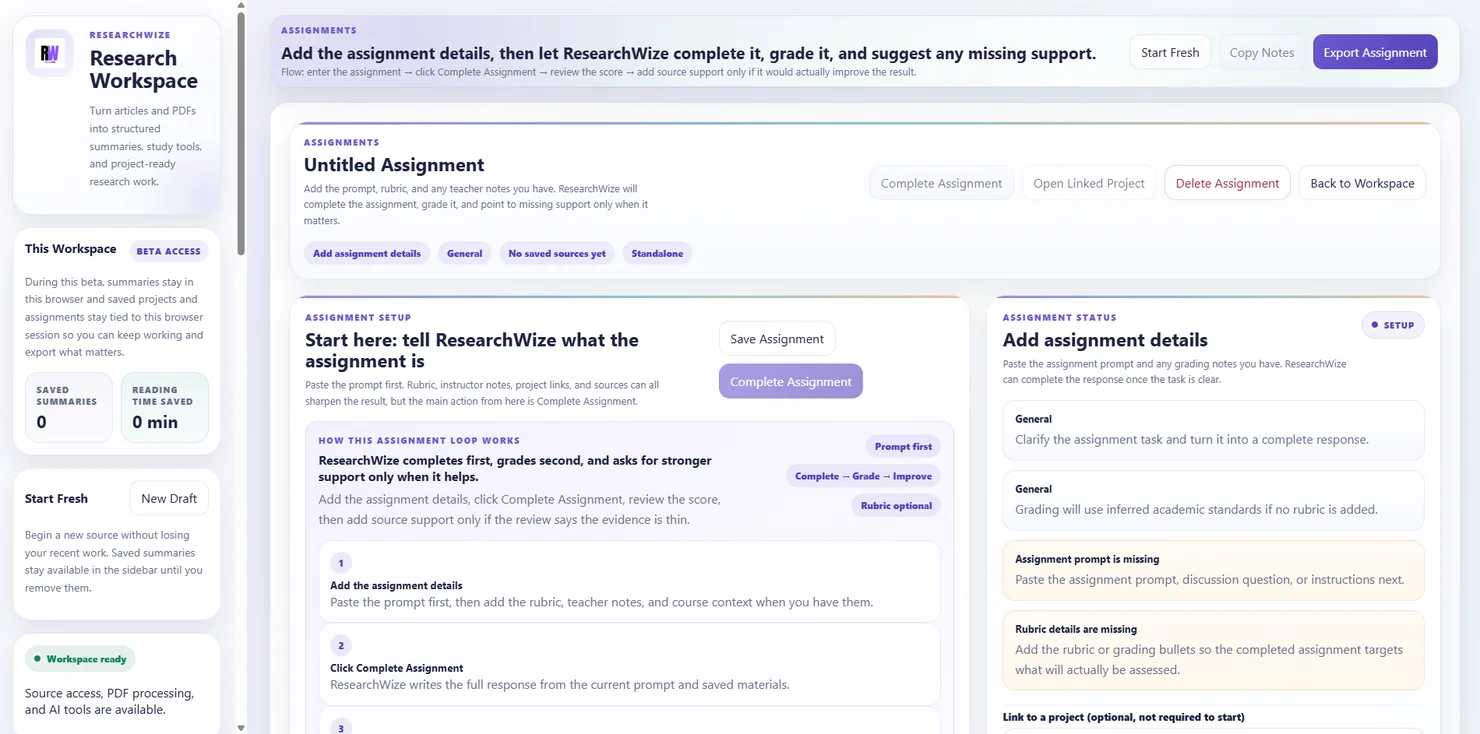
Build from the source or the brief
Start with the material itself or jump straight to the deliverable when you already know the task.
Keep the final output connected
Saved projects make it easier to revisit the sources behind a deck, summary, or written response.
Useful when the job is to read, condense, and turn material into something shareable.
ResearchWize works well for professionals who spend time with reports, briefs, policy documents, long articles, and reference PDFs. It helps reduce the drag between reading the material and producing the summary, deck, or response that actually moves the work forward.
- Summaries that are easier to scan than the original source
- Projects that keep source notes grouped by client, topic, or workstream
- Slides, notes, and written outputs built from the same material
How it works in practice
From reading to something you can hand off
The rhythm stays the same: summarize the source, save what matters, build the output, and keep the supporting material attached.
Add the report, article, or PDF
Bring in the reading material that defines the work ahead.
Generate structured notes
Condense the key points, context, and supporting evidence into a cleaner format.
Build the summary, deck, or brief
Use the same source material to create the output you need for the next meeting or decision.
Store it in a project
Keep the final output tied to the supporting material so follow-up is easier.
Outputs that matter
Useful outputs for professional work
No fireworks, no buzzword confetti. Just the things that make dense information easier to use.
Summarize reports and PDFs
Generate structured notes from long-form source material without losing the thread.
Write clearer briefs
Use saved source notes to build short written responses and internal summaries.
Generate presentations with notes
Turn key points into slide-ready material that is easier to present from.
Organize project material
Keep sources, notes, and outputs grouped by project or workstream.
Capture reading while browsing
Use the extension to grab useful webpage content, then finish the work in the web app.
Reuse strong source material
Projects make it easier to return to the same notes when the topic comes back around.
FAQ
Questions professionals may ask
Yes. ResearchWize works with PDFs and webpages, which makes it useful for report-heavy workflows.
The web app is the main workspace. The extension is the companion tool for capturing useful webpage content while browsing.
Yes. ResearchWize can turn saved source material into presentation-ready outputs and speaker-note style content.
Yes. Projects let you group summaries, drafts, and outputs around the same topic or workstream.
Ready to get started?
Open the workspace and start with the source material
Use the web app to turn dense reading into usable notes, briefs, and presentation material.