Build from a chapter, article, handout, or PDF instead of copying content into separate tools.
Teaching workflow
ResearchWize for Teachers
Turn chapters, articles, and PDFs into summaries, discussion prompts, lesson slides, quizzes, and answer-ready materials without assembling the whole thing by hand.
Generate summaries, discussion prompts, slide content, and quizzes from the same workspace.
Projects help group notes, lesson drafts, and exports by unit, class, or topic.
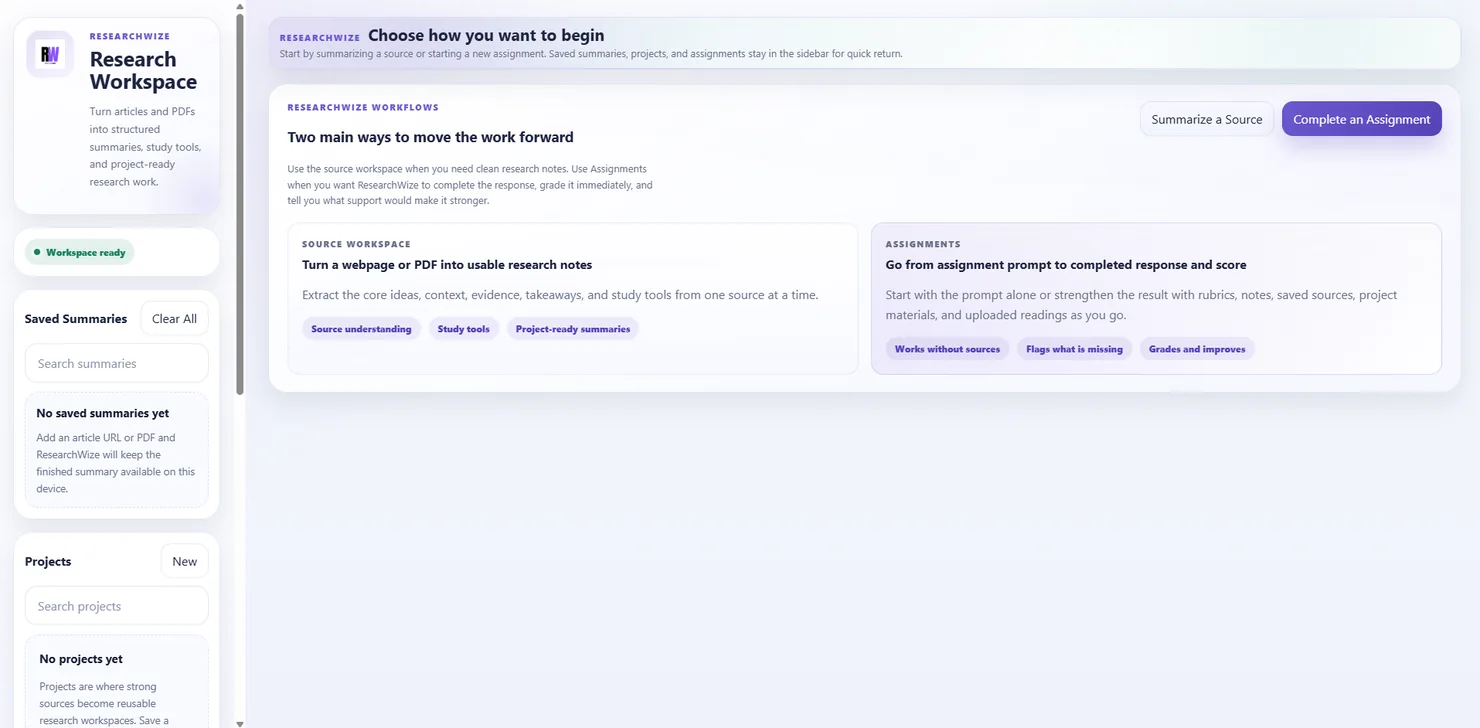
Begin with the reading
Use the source workspace when the lesson starts from a chapter, handout, or article.
Build the lesson from there
Projects, assignments, exports, and study materials stay connected in the same place.
ResearchWize helps turn source material into teaching material.
When lesson prep starts with a reading, the hardest part is often converting that source into something usable in class. ResearchWize helps bridge that gap by turning the same material into summaries, prompts, slides, quizzes, and notes you can keep organized by project.
- Summaries for reading guides and class prep
- Discussion prompts for class conversation
- Slide content for lesson delivery
- Quiz and review materials built from the same source
How lesson prep can flow
From chapter or article to classroom materials
The workflow is simple: bring in the source, shape the summary, generate the outputs, and keep the useful pieces together for later reuse.
Add the chapter, article, or PDF
Start from the actual source material instead of drafting every supporting asset from scratch.
Generate a structured summary
Pull out the key ideas, context, and talking points for class discussion or reading support.
Build slides, prompts, and quizzes
Use the same source material to generate lesson content and review tools.
Keep it organized by project
Group lesson assets by unit, subject, or course so they are easier to reuse later.
Classroom-ready outputs
Useful tools for teaching and prep
ResearchWize does best when it helps you get the materials ready faster, not when it tries to cosplay as a whole learning-management empire.
Summarize chapters and PDFs
Create cleaner notes and reading guides from the source material you already teach from.
Generate discussion prompts
Build class questions and teacher-facing notes from the same reading workflow.
Create presentation materials
Turn the source summary into slide-ready content with speaker notes and structure.
Build quizzes and review tools
Generate quizzes and study materials from the same notes you already created.
Organize material by project
Keep lessons, supporting notes, and exports grouped by unit or course.
Use the extension while browsing
Capture useful webpage-based readings quickly, then finish the work in the web app.
FAQ
Questions teachers may have
No. ResearchWize works as a standalone workspace for building summaries, slide content, quizzes, and teaching materials.
Yes. The source workflow is designed for webpages and PDFs, so lesson prep can begin with the reading itself.
Yes. Once the source is summarized, you can use the same material to create slides, quizzes, and supporting notes.
No. The web app is the main workspace. The extension is helpful when you want to capture source material while browsing.
Ready to get started?
Start with the source material and build from there
Open the web app, add the reading, and turn it into lesson-ready materials in one workspace.