Summarize webpages and PDFs into structured notes.
Tool directory
All ResearchWize tools in one place
ResearchWize is built to turn source work and assignment prompts into finished schoolwork. These are the main workflows and outputs available inside the product.
Generate essays, presentations, and other responses from the prompt or saved sources.
Create quizzes, flashcards, citations, and project-ready materials.
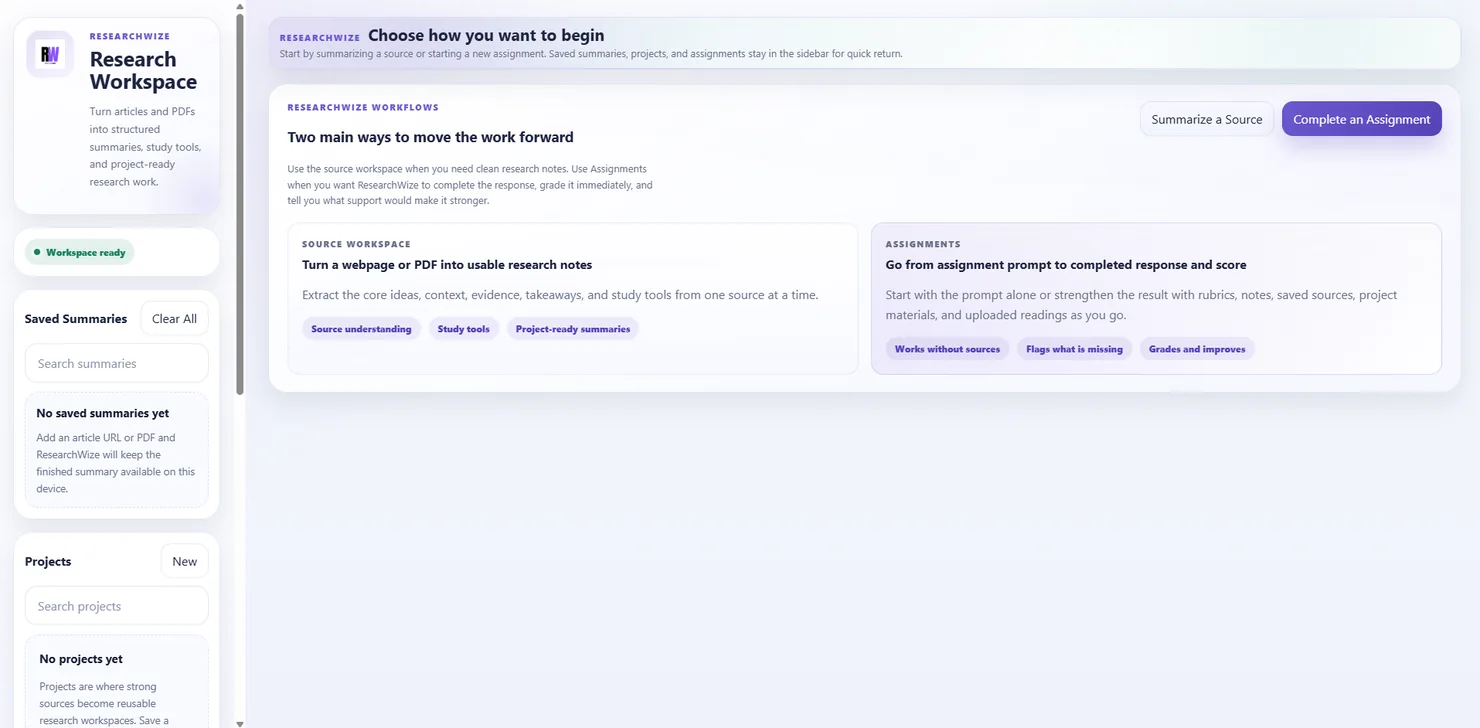
One connected workspaceKeep sources, assignments, and outputs together.
Use the right starting pointBegin with a source or start directly from the assignment prompt.
Tool library
Choose the part of the workflow you need
ResearchWize works best as one connected workspace, but each of these pages explains a specific output or starting point.
Webpage and article summaries
Turn long webpages into reusable source notes.
Open pagePDF summaries
Upload a PDF and turn it into a structured summary.
Open pageEssay writing
Build structured drafts and improve weak support.
Open pagePresentation generation
Move from research notes to slides and speaker notes.
Open pageFlashcards
Generate study cards from source material and summaries.
Open pageQuizzes
Create practice questions from your notes and summaries.
Open pageDiscussion questions
Turn source notes into discussion prompts and class prep.
Open pageCitations and works cited
Keep reference support close to the same sources.
Open pageEssay outlines
Go from topic or prompt to a cleaner response structure.
Open pageFrom research to results
A simple way to think about the full platform
Most tools fit inside the same four-step pattern.
Summarize the source
Start with a webpage or a PDF and generate structured notes.
Save it to a project
Keep useful material organized instead of losing it after one session.
Generate the output
Build essays, slides, quizzes, flashcards, or citations from the same source work.
Improve or export
Refine the result and move it into the format you need.
The main workspace handles the whole job.
The web app is the best place to see the full ResearchWize workflow because it supports both starting paths: source summaries and assignment prompts.
- Works in the browser
- Free beta access is live
- No extension required to try it
The extension is still useful
- Use it to capture webpages faster while you browse
- Keep Chrome, Edge, and Firefox available as companion paths
- Finish the full workflow in the web app
Ready to get started?
Start with the web app, then add the extras you want
The web app shows the full product fastest. Add the browser companion later if it fits your workflow.