Turn long webpages and PDFs into structured notes with key ideas, evidence, and context.
Student workflow
ResearchWize for Students
Summarize your readings, save the useful parts, and turn them into essays, presentations, quizzes, flashcards, and citations without leaving the workspace.
Move from summary to outline, essay, slides, or citation-ready output without starting over.
Create quizzes, flashcards, and review tools from the same work you already saved.
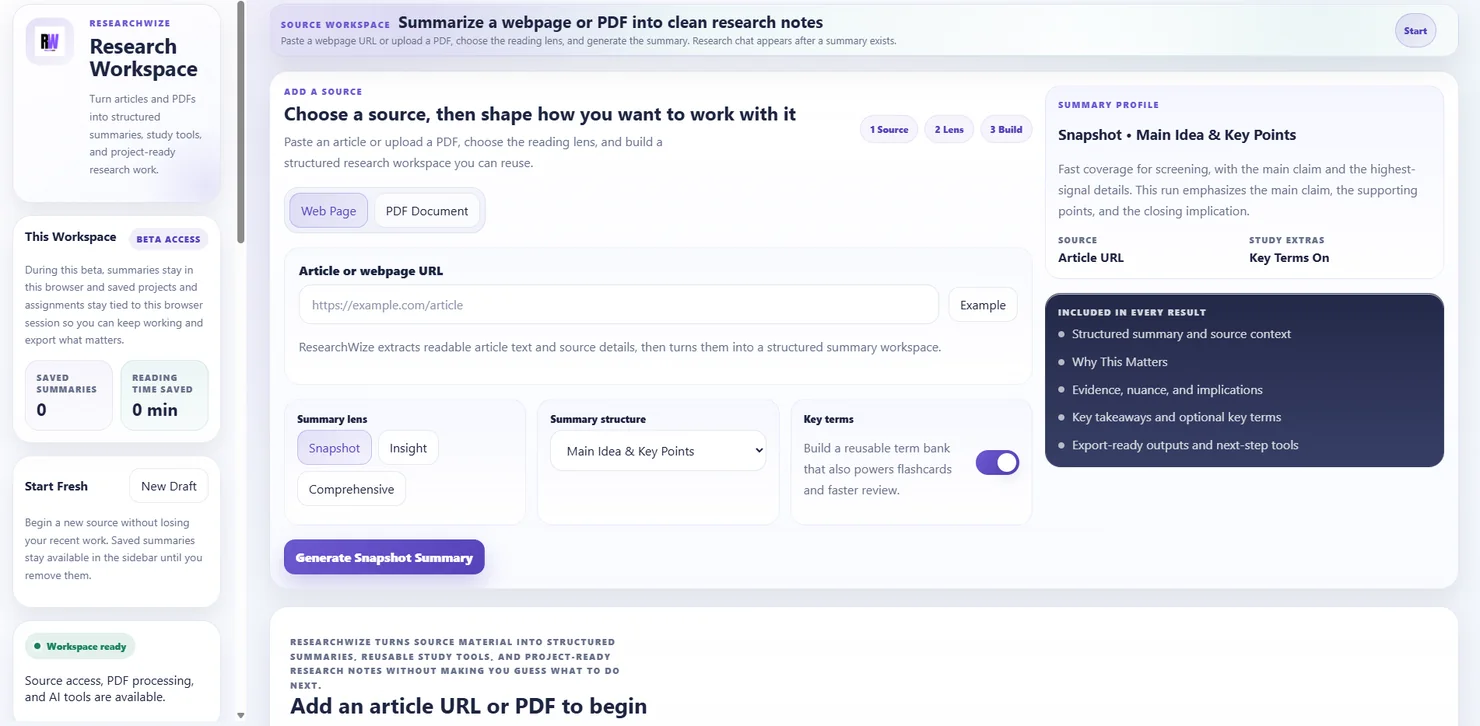
Start with the reading
Paste a webpage or upload a PDF to generate organized notes in minutes.
Keep moving from the same workspace
Projects, study tools, and writing outputs all build from the source material.
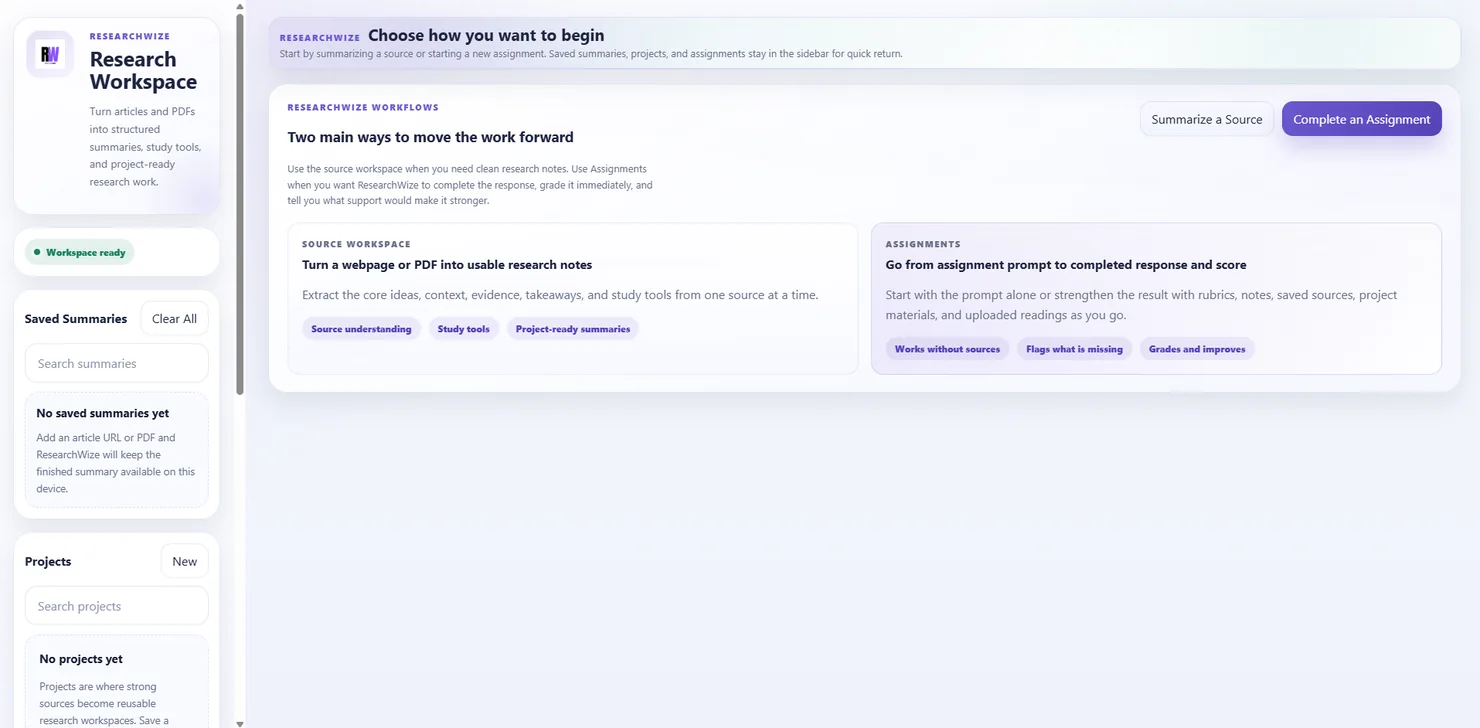 Workspace overview
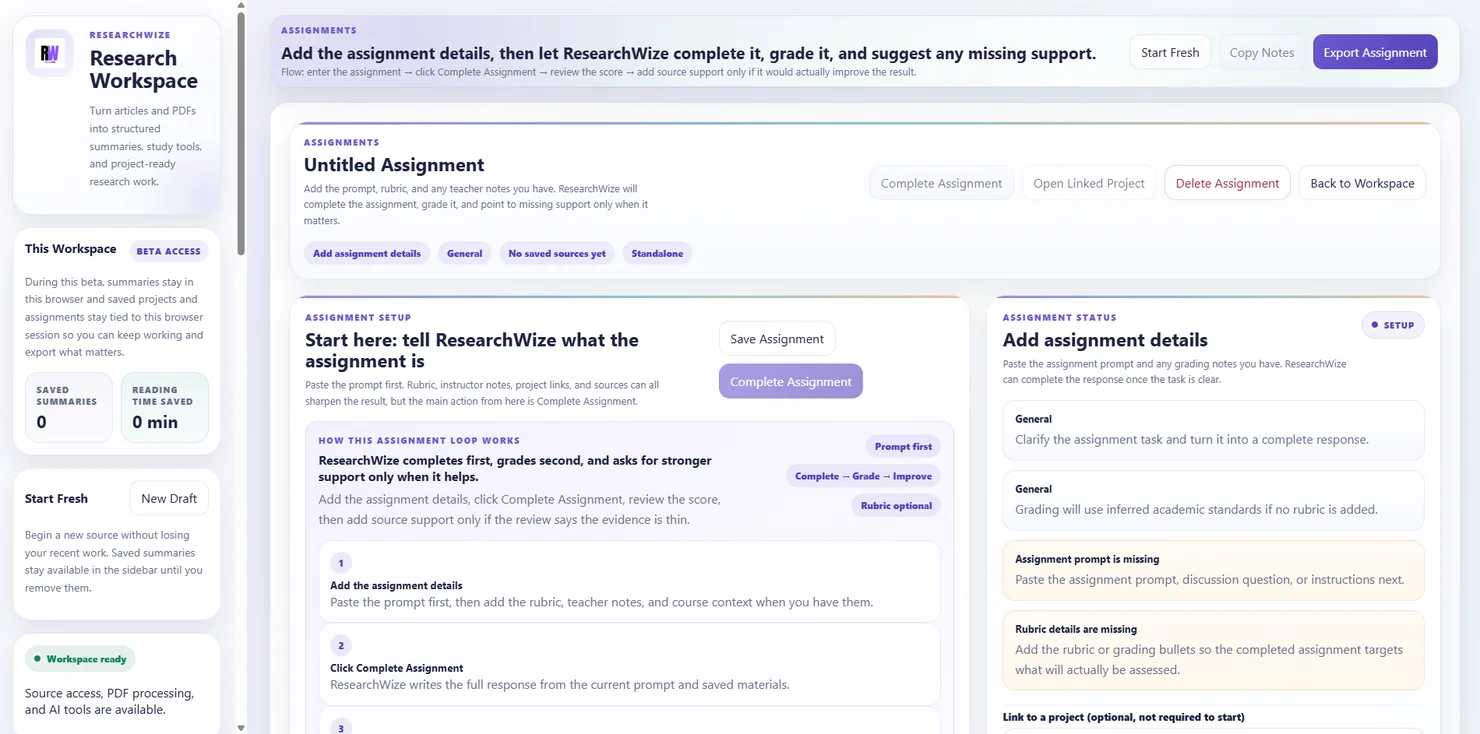 Assignment workflow
It is not just about summarizing faster.
The real job is turning reading into finished work. ResearchWize helps with the messy middle: sorting the important ideas, saving them into a project, and turning them into the draft, deck, quiz, or citation list you actually need.
- Use the source workspace when you need clean notes from a reading
- Use the assignment workflow when you already have the prompt or rubric
- Keep both paths connected in the same project
How students use it
From reading load to finished work
ResearchWize follows the sequence most students already live through: understand the material, save what matters, build the output, and polish the weak spots.
Add the reading or prompt
Start with a webpage, a PDF, or the assignment instructions that define the job.
Generate structured notes
Pull out the main ideas, evidence, context, and key terms into something you can actually reuse.
Build the output you need
Turn saved material into essays, slides, citations, flashcards, quizzes, and project-ready notes.
Improve what is missing
Strengthen weak support, sharpen the draft, and export the finished work.
Outputs students use
Useful outputs for real coursework
Everything here exists to help students finish the work, not just admire a summary from a safe emotional distance.
Summarize webpages and PDFs
Generate notes that are organized around main ideas, supporting details, and context.
Write structured essays
Start from a prompt or from saved source notes to build a clearer written response.
Generate presentations with notes
Create slide-ready material from the same source work you already completed.
Create quizzes and study tools
Turn notes into flashcards, quizzes, and other review materials in seconds.
Export citations in APA and MLA
Build citation-ready outputs for essays, projects, and research assignments.
Organize everything into projects
Keep summaries, drafts, and exports together so the work stays easy to find and reuse.
FAQ
Questions students actually ask
Yes. ResearchWize lets you paste the prompt first, generate a response, review it, and then add stronger source support where it helps.
Yes. You can paste webpages, upload PDFs, and use both inside the same project workflow.
Yes. Summaries can feed quizzes, flashcards, and other review tools so you can study from the same material you already used for the assignment.
No. The web app is the main workspace. The extension is useful when you want to capture webpages while browsing and send them into your workflow faster.
Ready to get started?
Start your next reading in the web app
Begin with a source, save the useful parts, and build the assignment from the same workspace.